
COLUMN
Running Next.js on Kubernetes: When It Actually Makes Sense
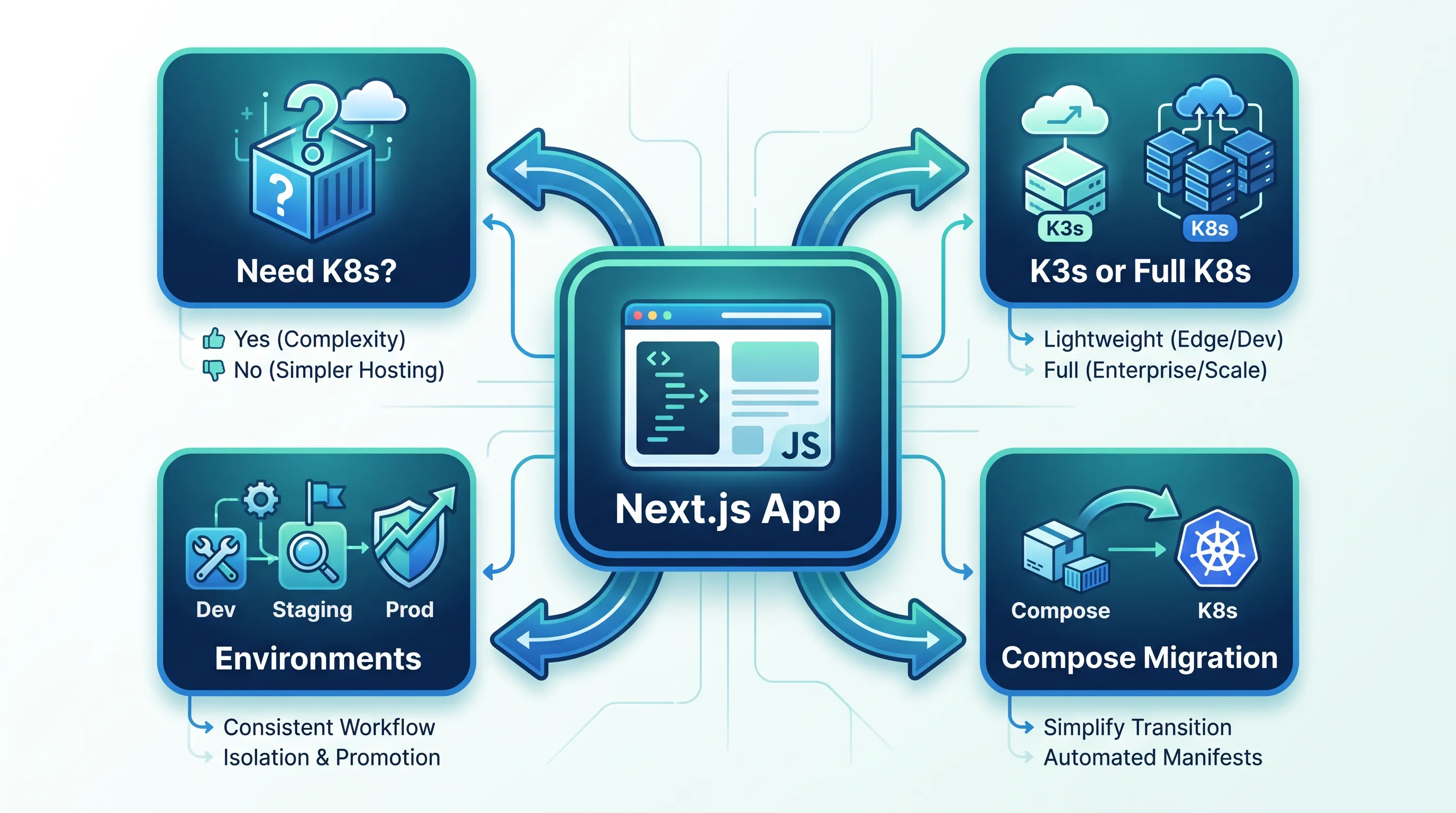
Your Next.js app has outgrown a single container — but "move it to Kubernetes" isn't one decision, it's a hundred smaller ones. Most teams that jump straight from Vercel or a single VM to a cluster end up rebuilding their setup twice: once to get something running, and once to fix the parts they skipped the first time. This guide walks through the decisions that actually matter, in the order you'll hit them.
Do you need Kubernetes at all?
Kubernetes solves specific problems: running many services with independent scaling, rolling deployments with zero downtime, and a consistent way to manage compute across environments. If your Next.js app is a single service with predictable traffic, a managed container platform or a couple of VMs behind a load balancer will get you further with less operational cost.
The signal that you're actually ready is usually one of these:
- You're running more than one service (Next.js plus a worker, an API, a cron job) and coordinating deployments manually
- You need horizontal scaling that responds to traffic, not a fixed instance count
- You've already built a standalone Docker build of your app and now need somewhere consistent to run it across staging and production
If none of those apply yet, Kubernetes will cost you more in operational overhead than it saves. That's a legitimate answer, not a failure — revisit it when the signals show up.
K3s or full Kubernetes?
This is the first fork in the road, and it's easy to over-index on brand names. A single Next.js service with an API and a database doesn't need the same control plane as a 200-node fleet. A use-case driven comparison of K3s and full Kubernetes is worth reading before you pick a distribution, because the difference isn't just "smaller" — it changes what you have to operate yourself.
For most teams moving a Next.js app off Vercel or a monolith VM, the practical trade-off looks like this:
- Full Kubernetes (EKS, AKS, GKE) gives you the broadest ecosystem and the most third-party tooling, at the cost of a control plane you either manage or pay a managed-service premium for
- K3s strips out cluster-scale features you likely don't need yet (etcd by default, in-tree cloud provider integrations, alpha APIs) and runs on far less memory — often the right starting point for a small team's first production cluster
The API surface is the same either way. You're not locking yourself out of scaling up later.
How many environments do you actually need?
This is the decision teams get wrong most often, and it's expensive to fix later. The instinct is to mirror everything — separate clusters for dev, staging, and production, with full redundancy in each. In practice, that multiplies your cloud bill and your operational surface before you've validated that any of it is needed.
How many environments you actually need is worth working out before you provision anything: namespaces inside a shared cluster can isolate dev and staging safely, while production stays on its own node pool with its own resource limits. Decide this at the cost level, not the tooling level — the number of kubectl contexts you create should follow from an explicit environment strategy, not from copying a template.
Next.js apps push this question further than a typical service, because of build-time environment variables. Each environment needs its own build if you're baking config into the bundle at build time, which affects how you structure your CI pipeline before it affects your cluster layout.
Migrating from Docker Compose
If your current setup is docker-compose.yml with a Next.js service, a database, and maybe Redis, the migration path is more mechanical than it looks. Volumes become persistent volume claims, environment files become ConfigMaps and Secrets, and your compose network becomes a Kubernetes Service — but the order you do this in matters more than the individual translations.
A practical Docker Compose to Kubernetes migration guide covers the sequencing: get the stateless Next.js service running and reachable first, then migrate stateful dependencies once you've validated ingress and config are correct. Trying to migrate everything simultaneously is where most first attempts stall.
What "production-ready" actually requires
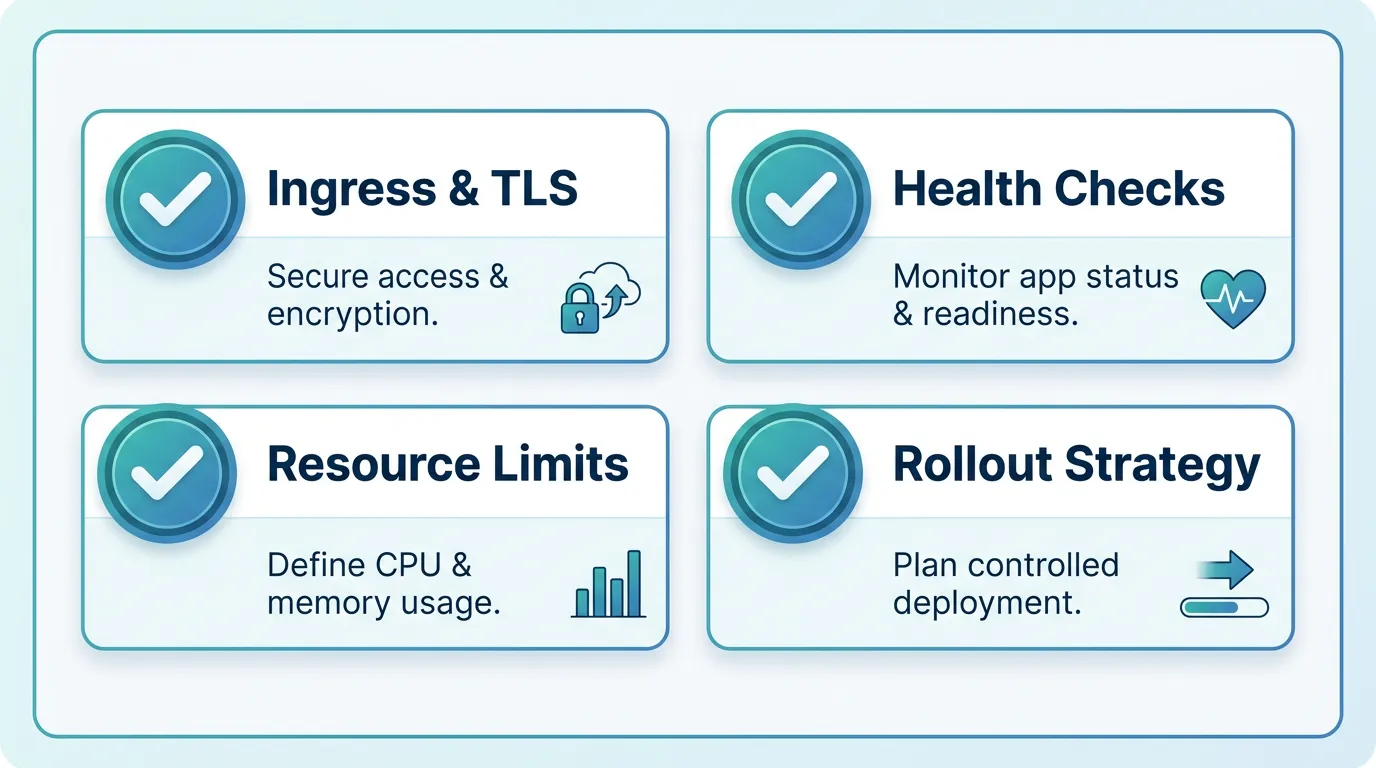
Before traffic hits a Kubernetes-hosted Next.js app, four things need to be in place, and skipping any of them is where the "move twice" pattern comes from:
- Ingress and TLS — a working ingress controller with automated certificate renewal, not a manually-issued cert that expires silently
- Health checks — readiness and liveness probes tuned to how Next.js actually starts up (a cold
next startcan take longer than a default probe timeout) - Resource requests and limits — set from observed memory and CPU usage, not guessed; under-provisioned pods get OOM-killed under real traffic
- A rollout strategy — rolling updates configured with a
maxUnavailablethat matches your actual redundancy, so a bad deploy doesn't take the whole app down
This is usually where teams get stuck: the app is ready to move, but standing up a cluster means learning ingress, autoscaling, and cost controls before a single feature ships. Kubo gives you standard Kubernetes with that plumbing — ingress, TLS, monitoring — already wired, closer to Vercel's workflow without locking you into one vendor. Because it's unmodified Kubernetes underneath, nothing above changes: the same manifests, the same kubectl, running on infrastructure you don't have to assemble first.
Autoscaling: start simpler than you think
It's tempting to configure horizontal pod autoscaling on day one, but most Next.js workloads don't need it immediately. A fixed replica count (2-3 pods for redundancy) covers the majority of small-team traffic patterns, and it removes a variable while you're still validating everything else on this list.
Autoscaling earns its complexity once you have real traffic data to tune against — CPU-based scaling reacts differently to a traffic spike than a memory-based trigger does, and getting the thresholds wrong either wastes budget on idle pods or scales too late to help. Treat it as an optimization you add after your baseline deployment has run in production for a few weeks, not a prerequisite for going live.
Making the call
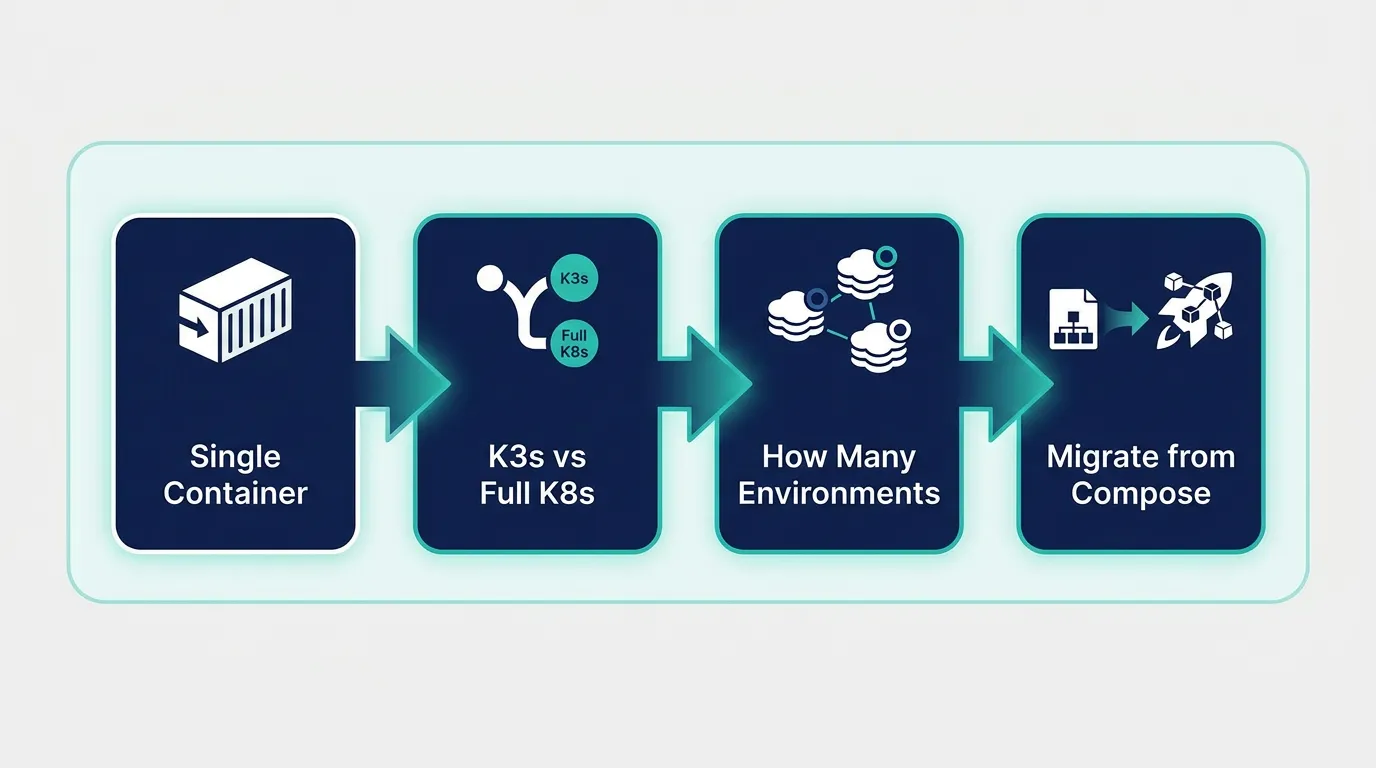
None of these decisions need to happen in isolation. A reasonable sequence is: confirm you actually need Kubernetes, pick K3s if you're a small team without a strong reason for full Kubernetes, define your environments by cost and isolation needs rather than by habit, and migrate your stateless service before your stateful dependencies.
If you're ready to run Next.js on real Kubernetes without building the platform yourself first, the Ashigaru plan starts at ¥8,800/month, and most small teams land on the Ronin plan at ¥17,600/month. Compare the plans and start with the one that matches your workload.