
COLUMN
Next.js Cache-Control Headers in Production: What's Automatic, What Needs a CDN, and What You Configure Yourself
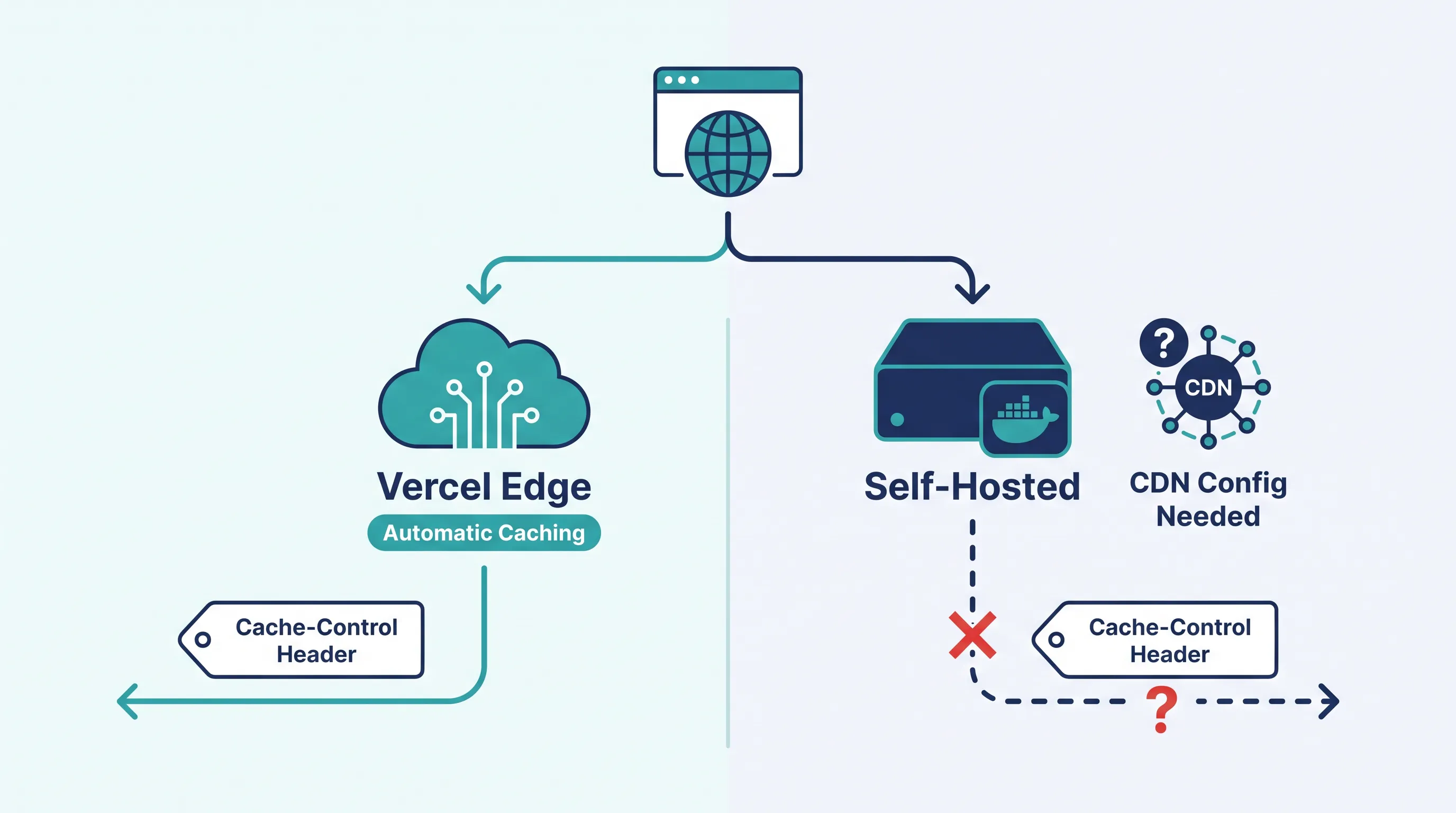
Vercel handles your Cache-Control headers. Who handles them when you don't use Vercel?
On Vercel, static assets, ISR pages, and dynamic routes each get the right caching behavior at the edge without you touching a config file. The moment you self-host — a Node container, a Docker image, a pod in Kubernetes — those same headers are still generated by Next.js, but nothing downstream is guaranteed to honor them. That gap is where self-hosted Next.js apps quietly serve stale pages, or worse, cache a response that was never supposed to be cached.
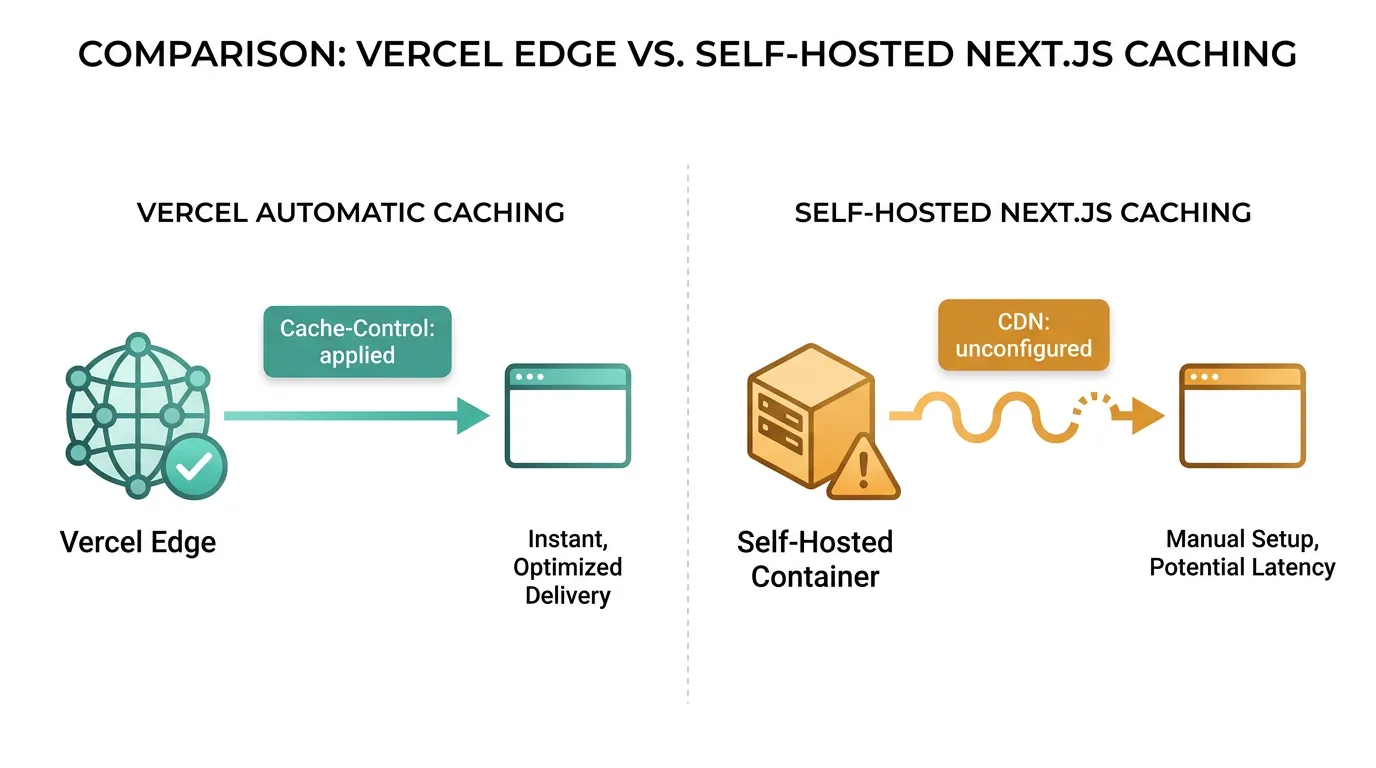
This isn't a theoretical problem. It's the direct result of three different Cache-Control values Next.js sets depending on what kind of response it's serving, and self-hosting means you're the one responsible for making sure something actually reads them.
The three headers Next.js sets automatically
According to Next.js's self-hosting guide and CDN caching guide, every response falls into one of three buckets:
- Static pages (no revalidation):
s-maxage=31536000— cacheable for a year at the CDN layer - ISR pages (time-based revalidation):
s-maxage={revalidate}, stale-while-revalidate={expire - revalidate}— the interval you set inrevalidate, plus a stale-while-revalidate window that defaults to one year if you don't customize it withcacheLife - Dynamic pages (no caching):
private, no-cache, no-store, max-age=0, must-revalidate
None of this is something you configure by hand — Next.js decides the header based on how the route renders. The catch is that a CDN or reverse proxy only helps you if it actually respects s-maxage and stale-while-revalidate. Plenty of default reverse proxy configs don't, which means static and ISR pages that should be served from the edge end up hitting your origin on every request.
Static assets: immutable, and not something you can override
Files under /_next/static/ — your JavaScript bundles, CSS, and other build output — get a separate, stricter header:
Cache-Control: public, max-age=31536000, immutable
These filenames include a content hash, so the browser (and any CDN in front of you) can cache them forever without ever needing to revalidate — a new deploy produces new filenames, not new content at the old URL. Next.js sets this header unconditionally for truly immutable assets; it's not something your own headers() config in next.config.js can override.
If you want these assets served from a dedicated domain or CDN origin rather than your app server, that's what assetPrefix is for. It tells Next.js to request JS and CSS from a separate host, which is useful when you're fronting static files with a CDN but keeping page rendering on your own infrastructure — a very common shape for self-hosted deployments.
Where CDN caching for pages gets harder
Static assets are the easy part. Pages are where most self-hosted setups run into trouble, for two reasons the docs call out directly:
On-demand revalidation doesn't propagate to your CDN by itself. Calling revalidateTag() or revalidatePath() invalidates the Next.js server's own cache, but a CDN sitting in front of it will keep serving its cached copy until the s-maxage TTL runs out. If your content needs to update immediately, you need to trigger a CDN purge for the same keys alongside your revalidation call — Next.js has no way to reach into your CDN and do that for you.
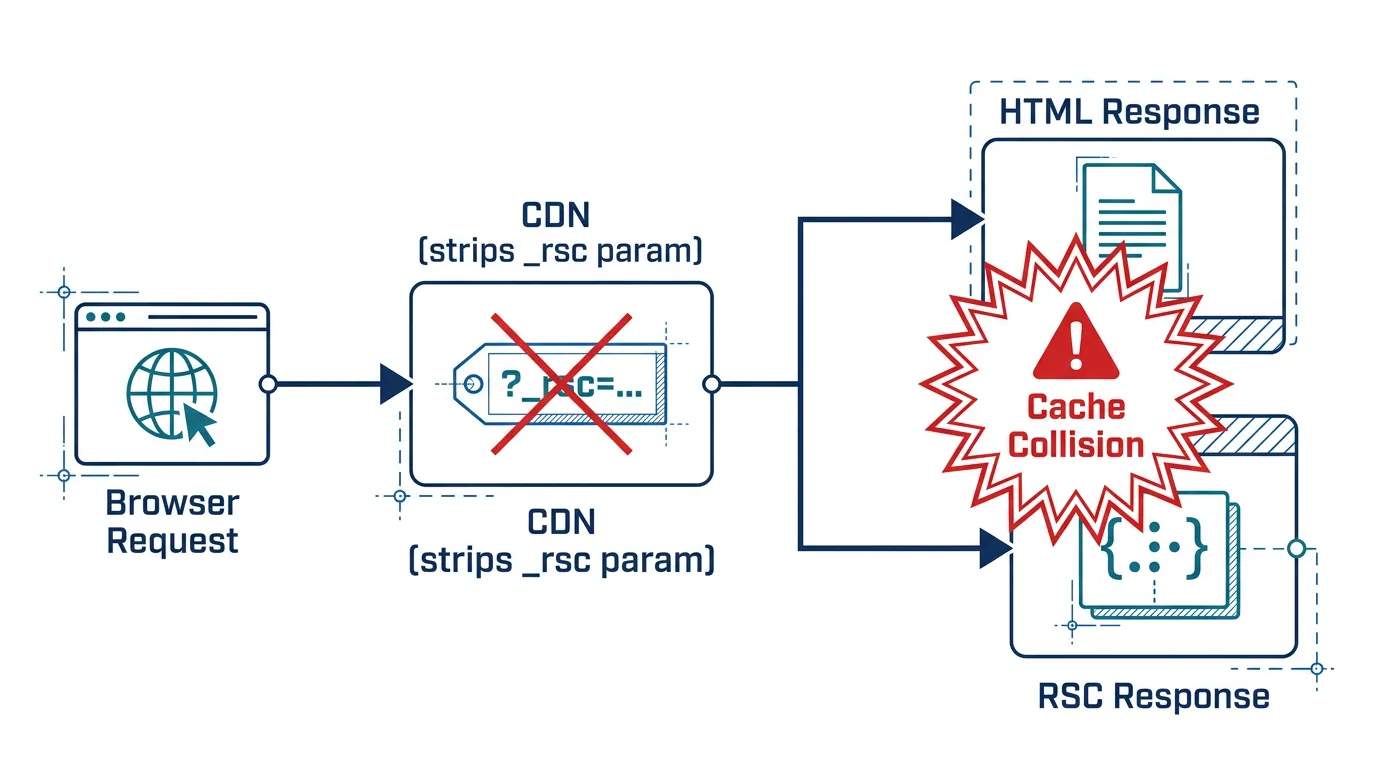
App Router responses vary on custom headers your CDN may not understand. Next.js sets a Vary header covering things like rsc (whether the client wants a React Server Components payload instead of HTML) and next-router-prefetch. Many CDNs don't fully support Vary, so Next.js also encodes those distinctions into an _rsc search parameter. If your CDN strips search parameters from its cache key — some do this by default — an RSC request can get served a cached HTML response, or vice versa, which breaks client-side navigation for your users.
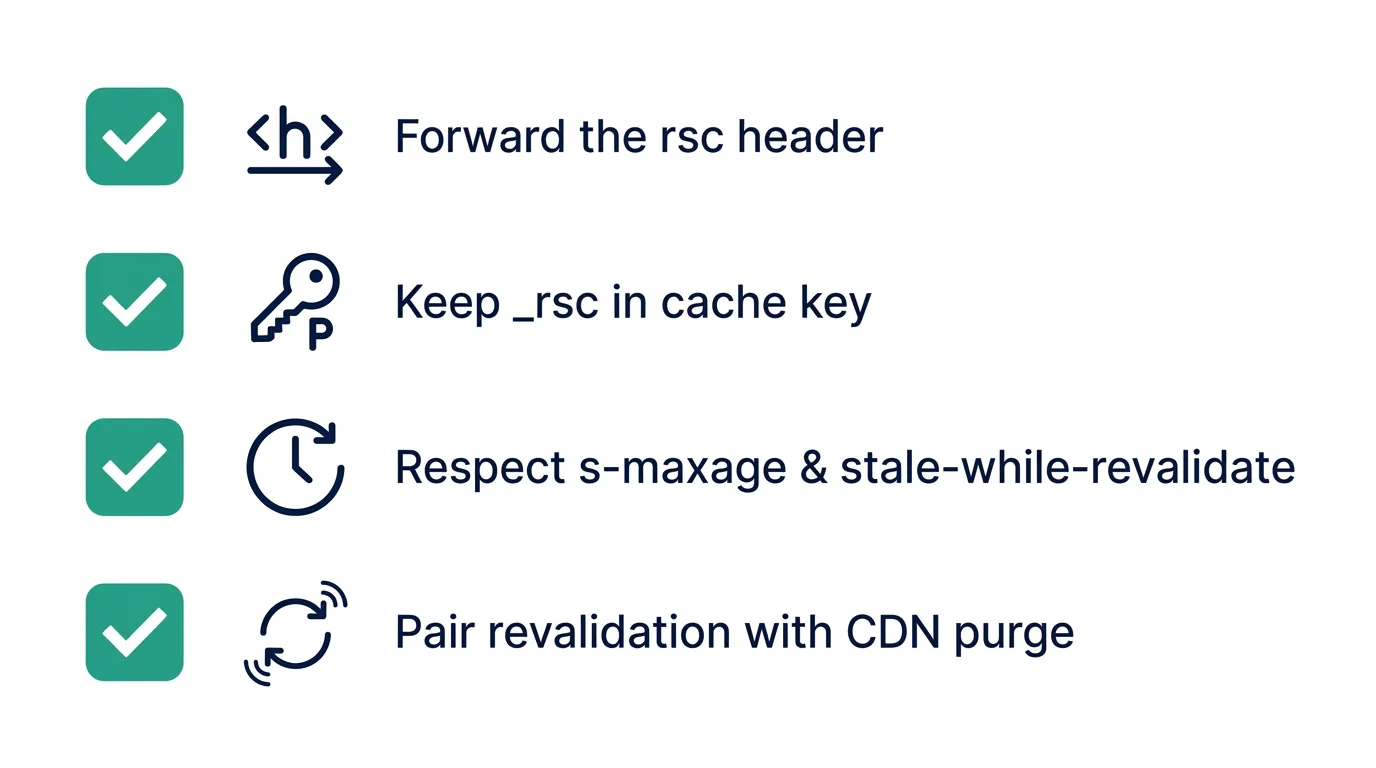
The practical checklist for a reverse proxy or CDN in front of self-hosted Next.js:
- Forward the
rscheader as-is - Include the
_rscsearch parameter in the cache key — don't let your CDN drop query parameters - Respect
s-maxageandstale-while-revalidate, not justmax-age - Pair every
revalidateTag()/revalidatePath()call with a CDN purge for the same paths
This is also where running multiple instances compounds the problem: if you're serving Next.js from several pods behind a load balancer for autoscaling, each instance can hold a different view of the server-side cache, on top of whatever your CDN is doing at the edge. That's a big enough topic on its own — the point here is that the CDN layer needs to be configured correctly before multi-instance coordination becomes the next problem to solve.
Checking what your setup is actually doing
Before assuming your CDN or reverse proxy is configured correctly, check the response headers directly:
curl -I https://your-app.example.com/_next/static/chunks/some-hash.js
curl -I https://your-app.example.com/some-isr-page
For the static asset request, you're looking for Cache-Control: public, max-age=31536000, immutable coming through unchanged — if it's missing or overridden, something between your origin and the client is rewriting headers. For the ISR page, confirm s-maxage and stale-while-revalidate are both present; if you only see max-age, your proxy may be translating the header instead of passing it through, which changes how browsers cache it versus how a CDN would.
Getting the reverse proxy right is table stakes, not a nice-to-have
None of this is unique to one platform — it's the same set of headers whether you're running next start in a plain Docker container, in Kubernetes, or on a VM. What changes is who's responsible for reading them. Next.js's own guidance is to put a reverse proxy like nginx in front of the app server for request validation and security regardless of caching, which means you're already maintaining that layer — the caching configuration above is an extension of infrastructure you have anyway, not a new system to stand up.
Once you're managing a reverse proxy, a container registry for your build artifacts, and a CDN configuration by hand, the operational surface starts looking less like "deploy a Next.js app" and more like "run a small platform." Kubo exists for teams at exactly that point: standard Kubernetes with ingress, TLS, and a private image registry (see Harbor if you're weighing where to store your Next.js build images) already wired up, so the caching rules above are something you configure once at the edge rather than re-discover in production.
Where to go from here
If your Next.js app is still on a single instance behind a CDN you haven't configured for these headers, start there: confirm s-maxage is being respected, confirm _rsc stays in the cache key, and wire up a purge call next to every revalidateTag(). That alone fixes the most common self-hosted caching bugs — stale pages, and RSC/HTML responses served to the wrong request.
If you're past that point — multiple instances, your own registry, your own ingress — the underlying question changes from "did I configure the CDN correctly" to "why am I building a platform team's worth of infrastructure for one app." That's a fair question, and the real cost of running Kubernetes yourself is worth reading before you decide which parts to build versus which parts to hand off.